Mazzy Automations Store Meta Pixel2025
Due to the high volume of orders, orders may be processed with a slight delay

Search

In Stock

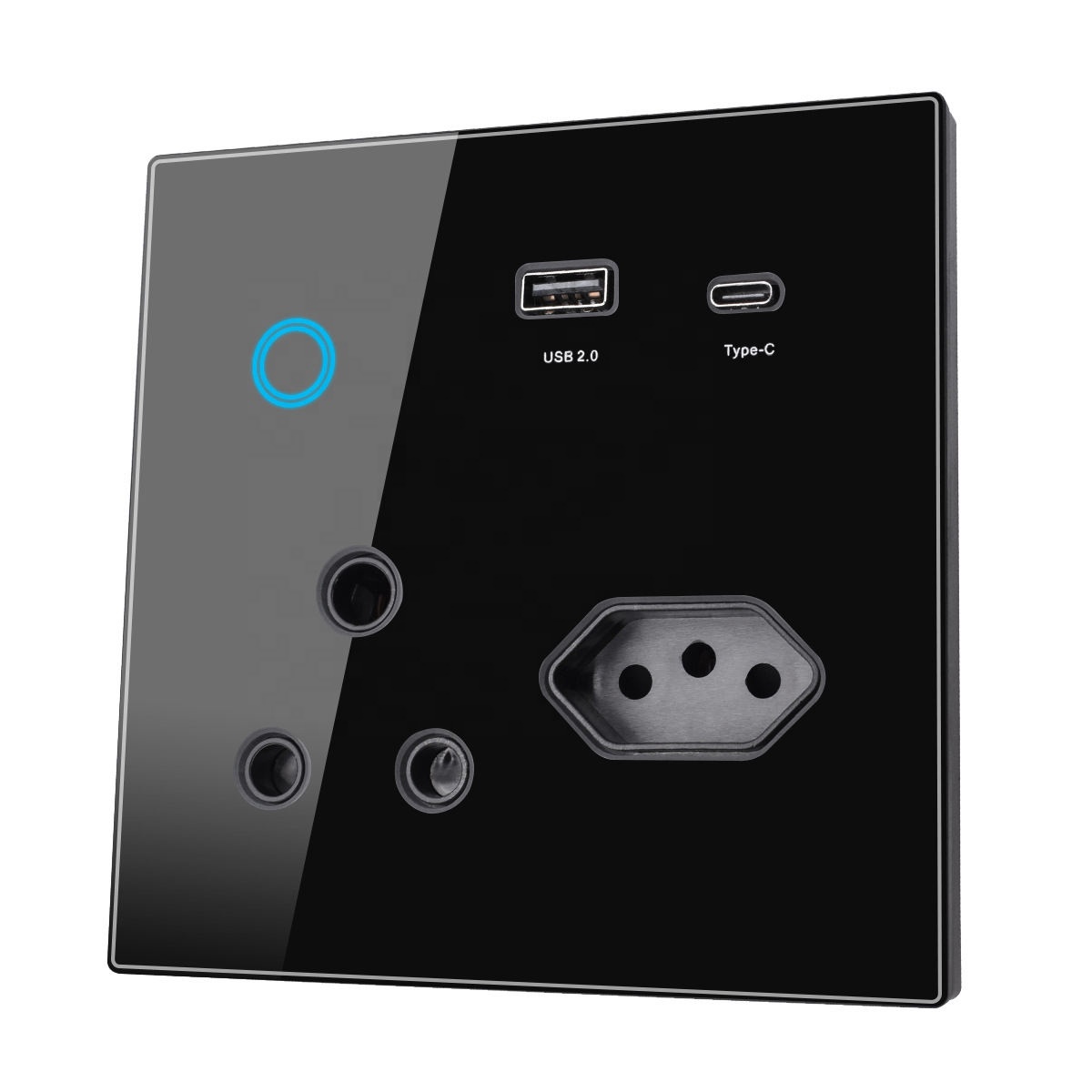
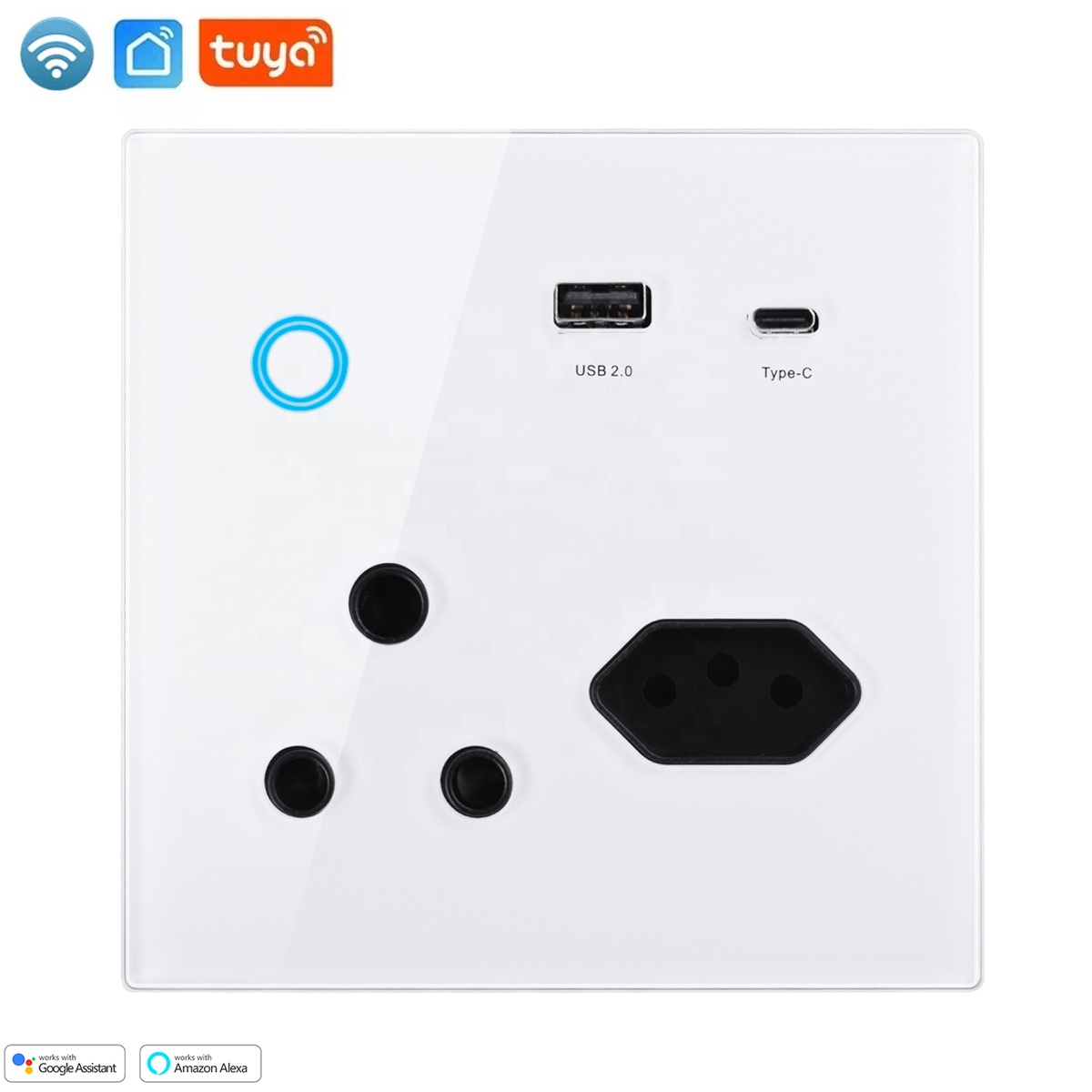
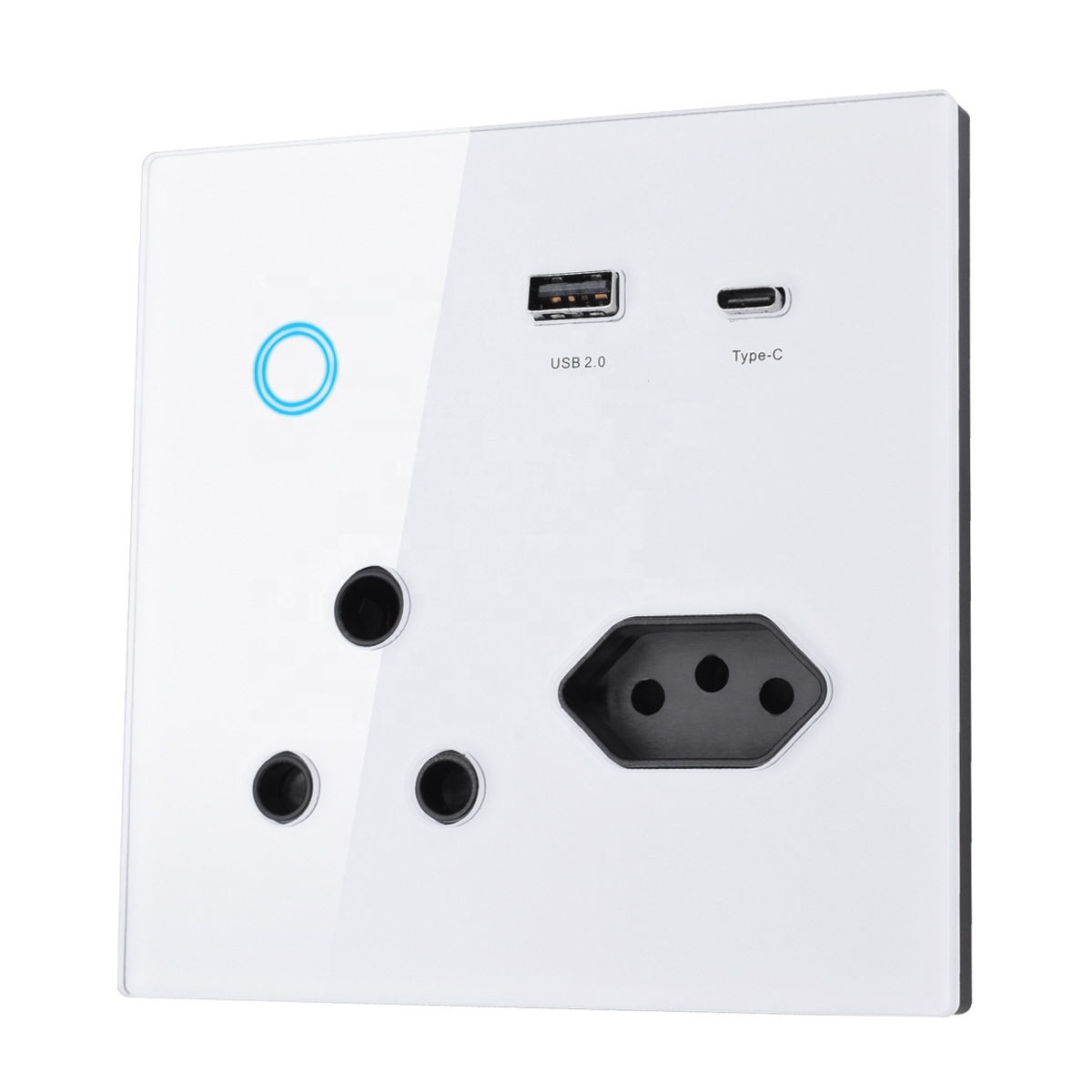
Tuya WiFi Smart Power Socket ,USB Type C Port

Product Paramenters

Product 20A Zigbee/Wifi Smart Plug with Energy Monitor
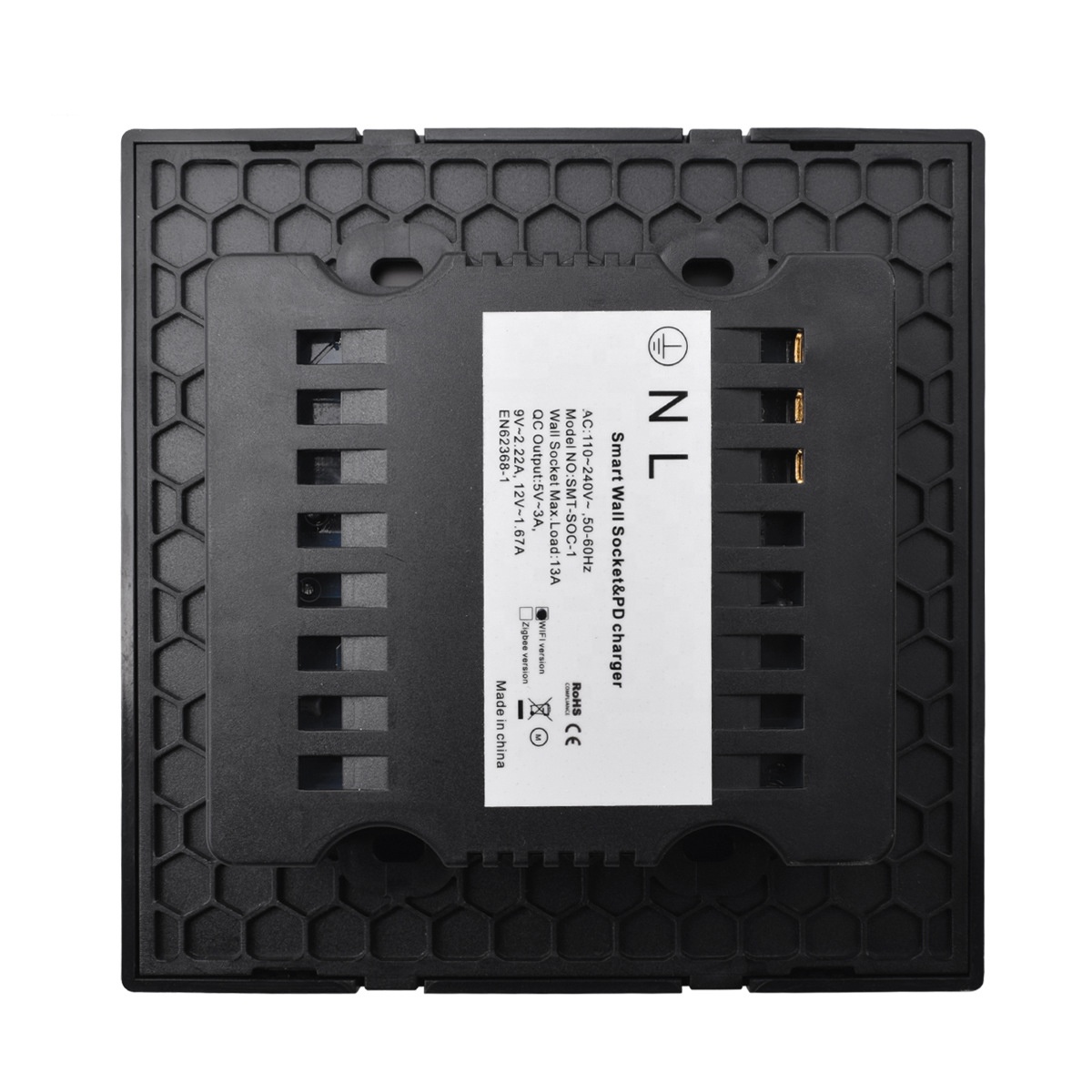
Rated Voltage 110-240V AC
Rated Current 16A
AC Frequency 50-60Hz
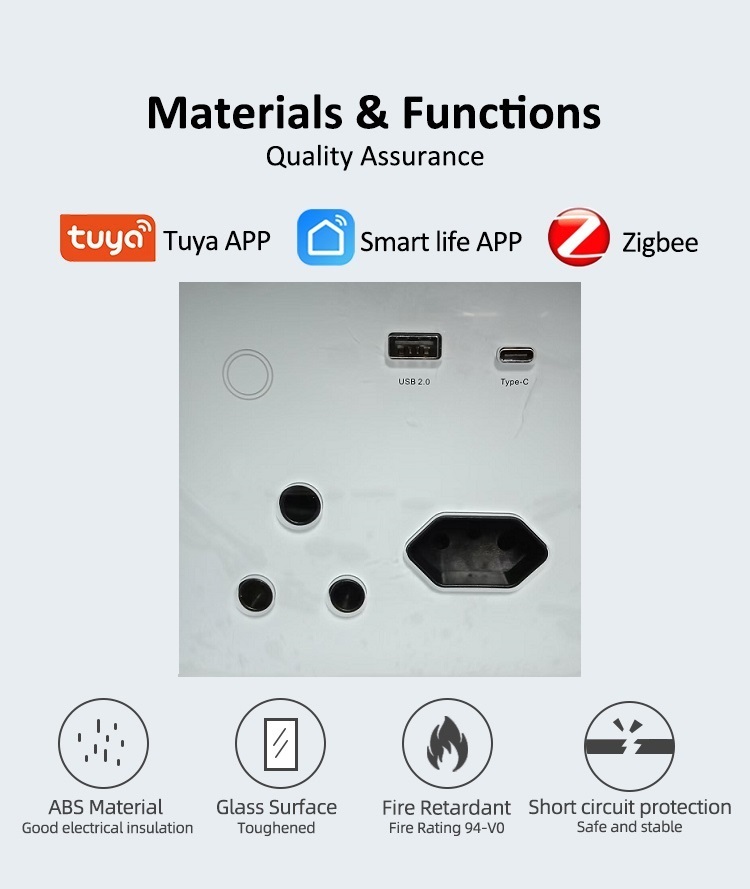
Material Panel: High quality tempered glass

Inside: Phosphor copper

Back: Flame retardant material

Color White Black or customed
warranty

1 year

certificate CESLSSOU~1

Price range: R1,450.00 through R1,550.00

Clear
<span class="ts-tooltip button-tooltip" data-title="Add to compare">Compare</span>
SKU:N/A

Product show

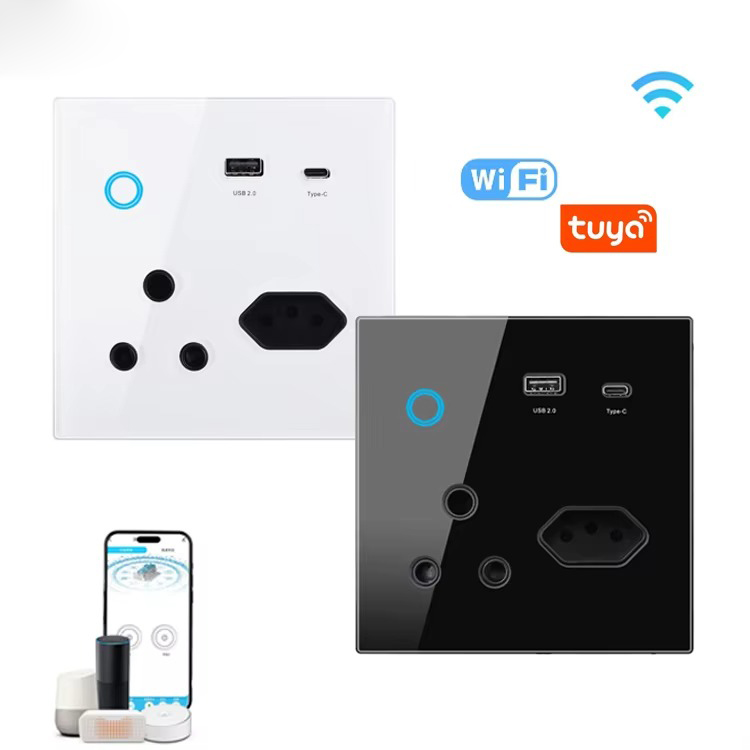
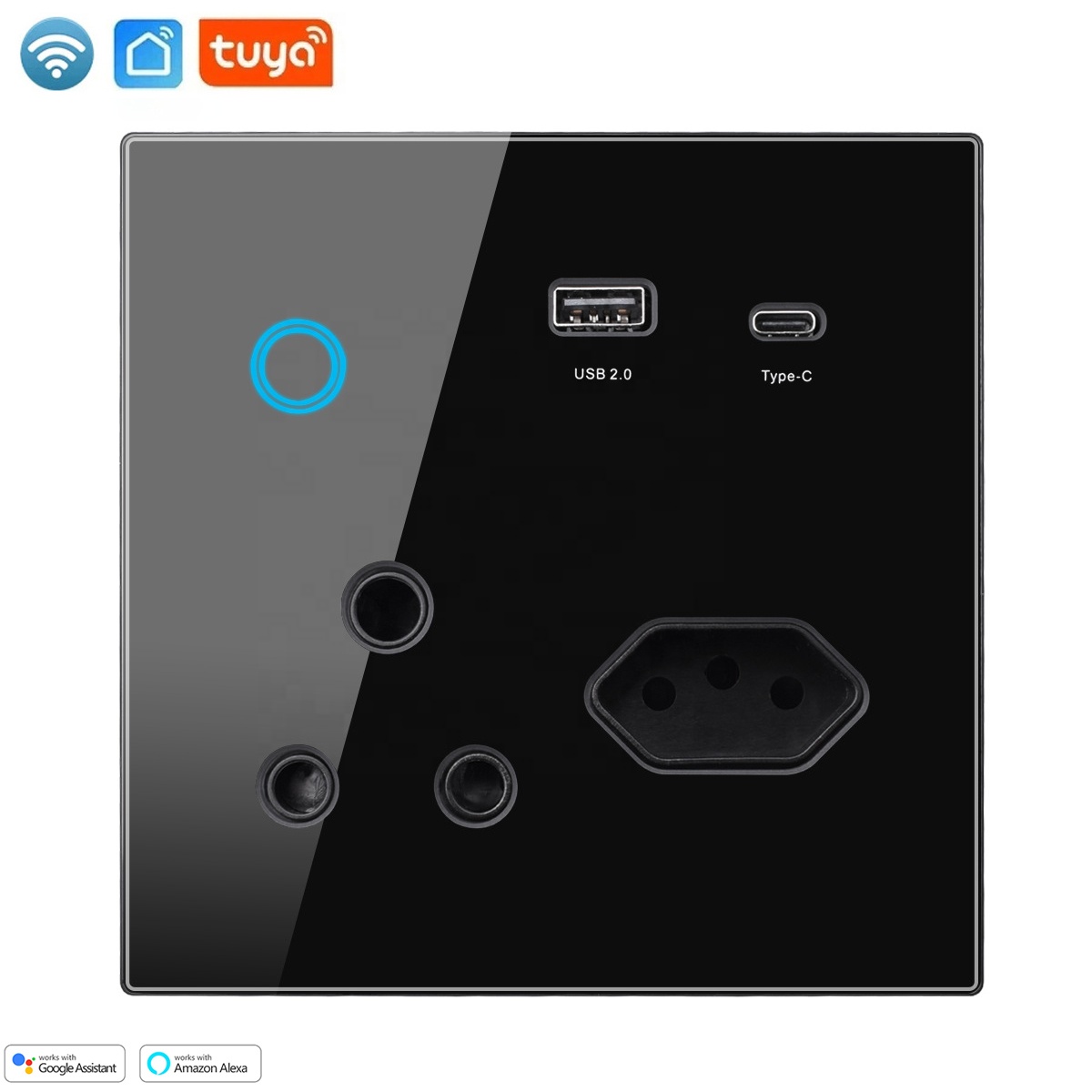
South Africa Tuya WiFi Smart Socket with USB and Type C Port

Brief Introduction:

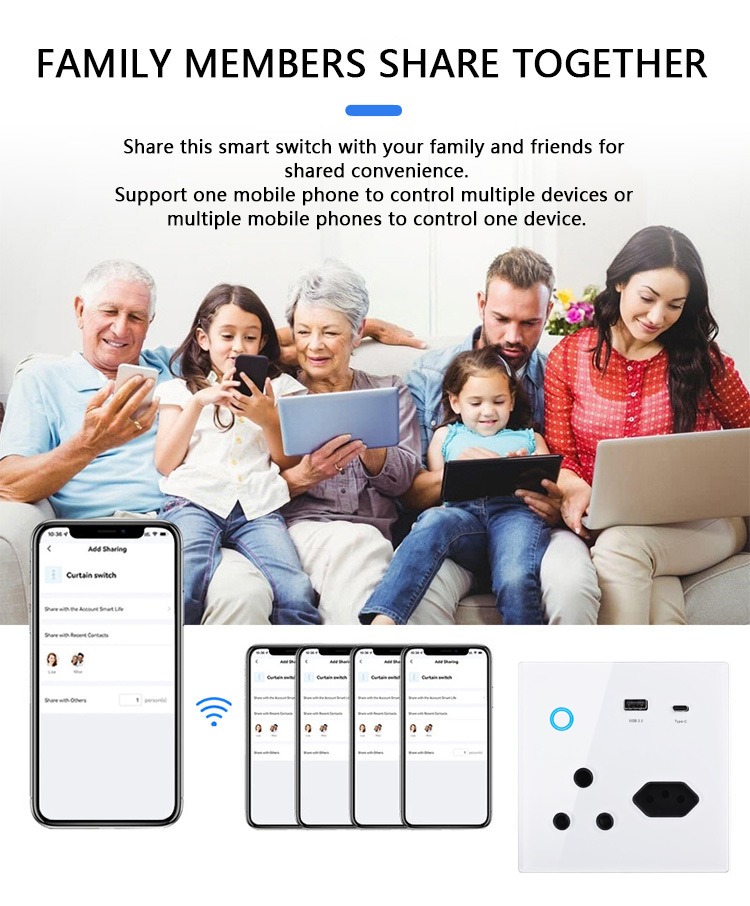
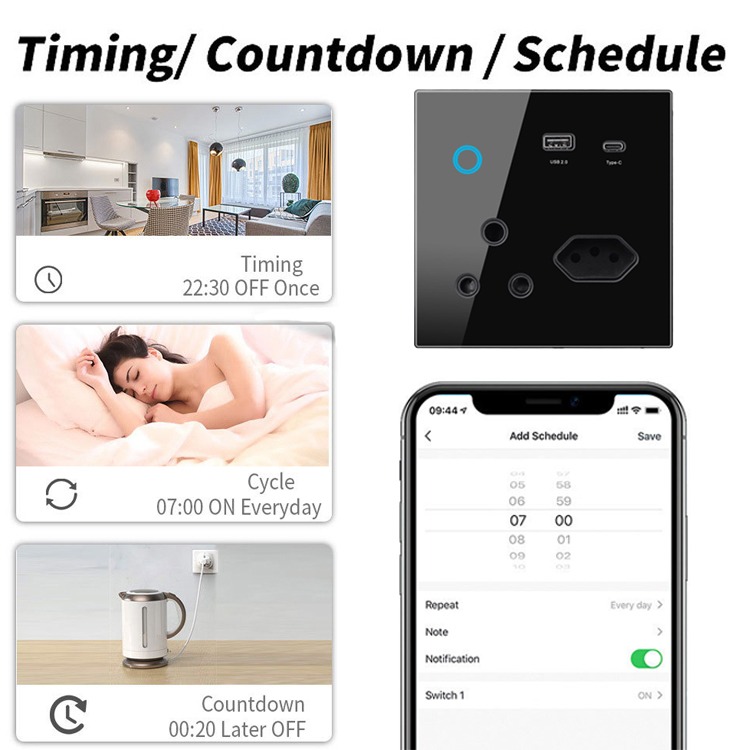
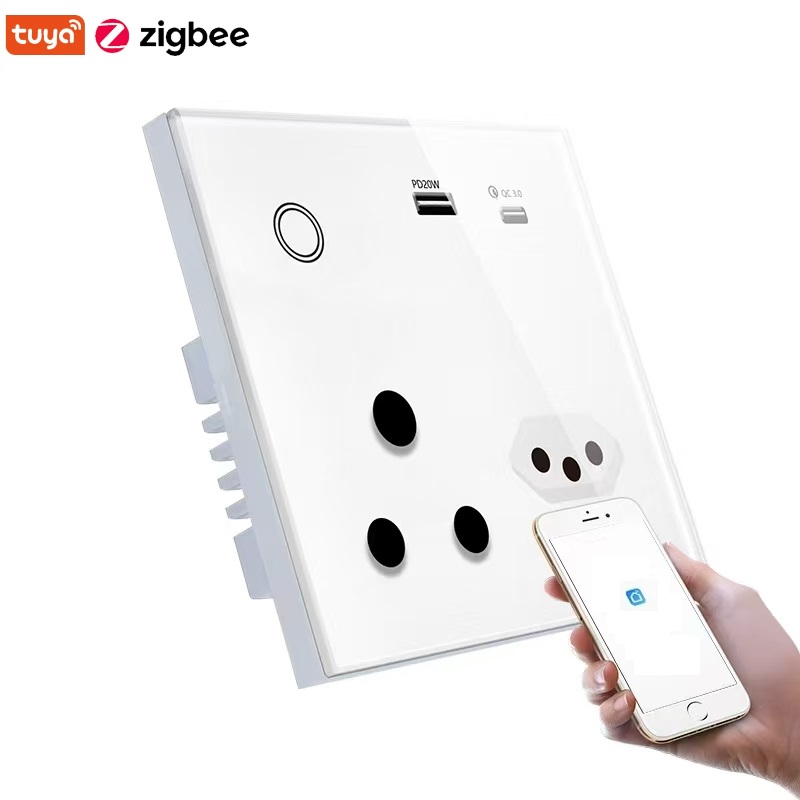
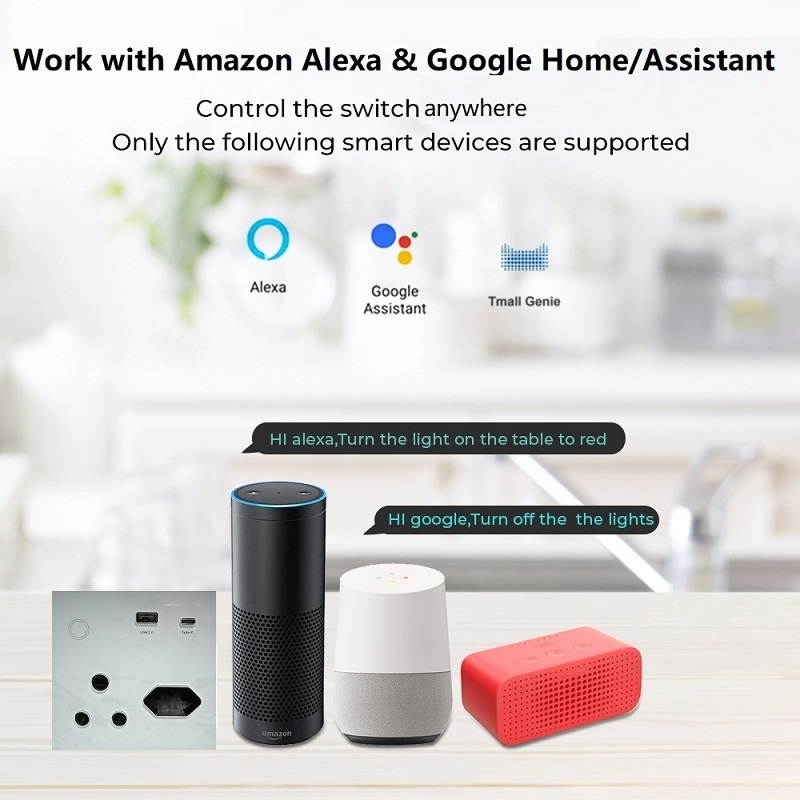
This sleek smart wall socket, designed for the South African standard with a premium glass panel, also fits the Brazilian standard. Equipped with both USB and Type-C ports, it offers seamless convenience for charging multiple devices. Enjoy the ease of remote control via the app and hands-free voice control with Amazon Alexa and Google Assistant.

Key attributes

feature
Wi-Fi
plug type
SOUTH AFRICAN
Product Type
Smart Socket
brand name
SLS
camera
No Camera
design
SLIDER
display type
OLED
Material
Glass
Operating System
Android
private mold
Yes
screen
< 2″
screen resolution
128X128
use
Universal
Product name
South Africa WiFi Wall Socket with Type C+ USB port
Rated Voltage
AC 110-240V
AC Frequency
50-60Hz
Current
16A
Max. Power
300W
Usage
indoors
Grounding
Standard Grouding
Color
white/black
Warranty
1 year
Mechanical life
10,000 cycles

Packaging and delivery

Selling Units
Single item
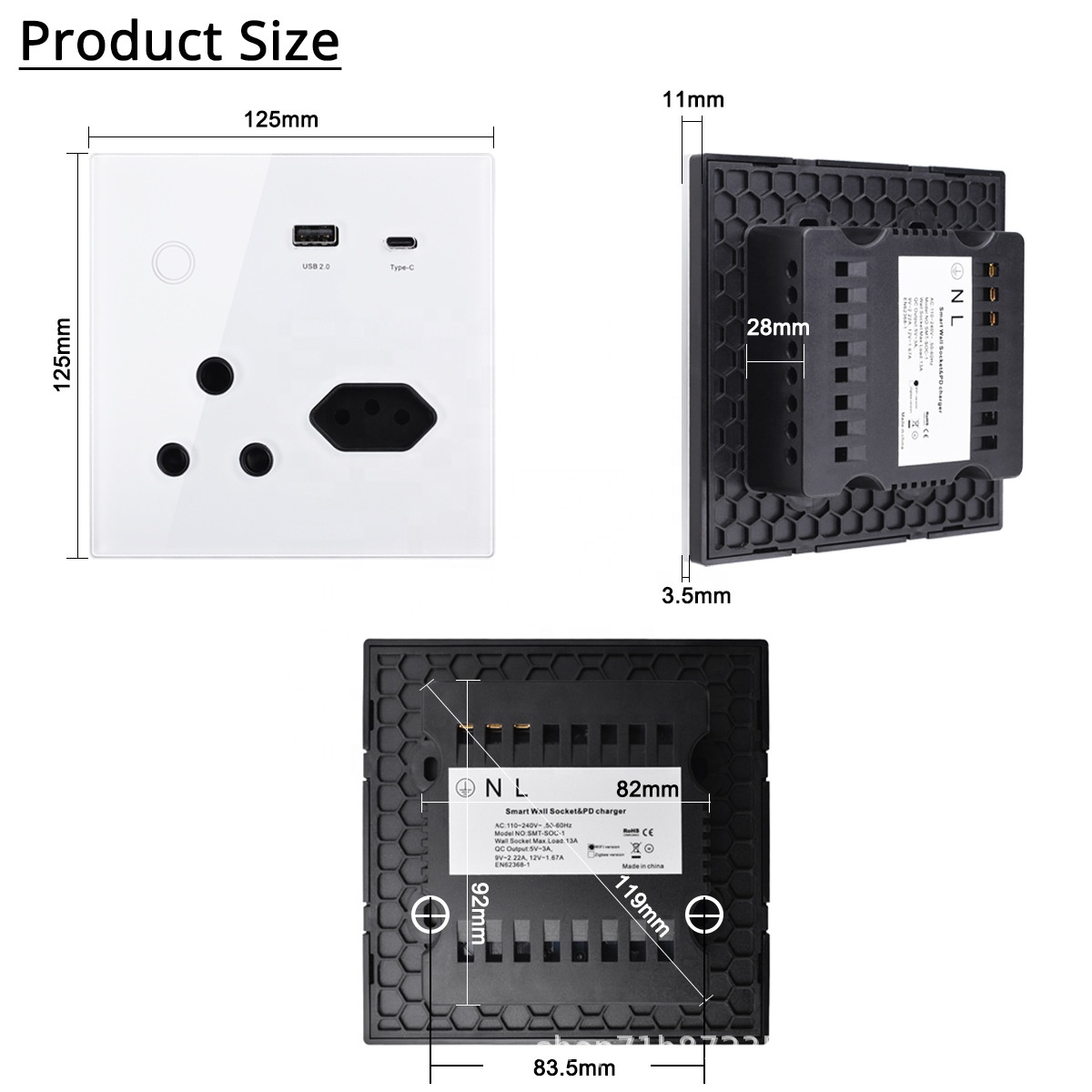
Single package size
13X13X5 cm
Single gross weight
0.500 kg
Weight N/A
Dimensions N/A
Color

White, Black

Network Type

Wifi, Zigbee

Reviews

There are no reviews yet.

Write a review

Your email address will not be published. Required fields are marked *

Bestsellers

Smart In-ceiling Speaker : WYX1S1

R1,150.00
(0 Reviews)

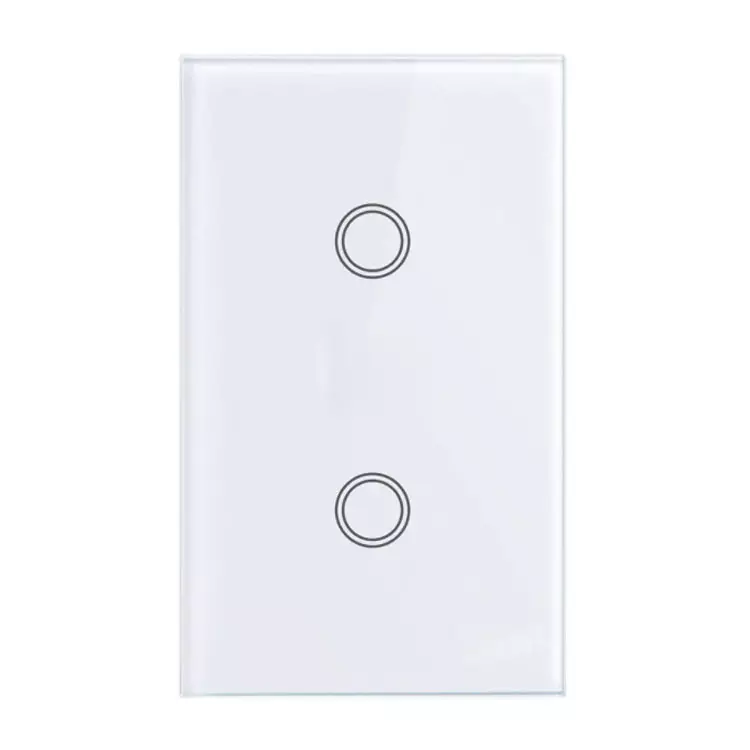
2 gang switch neutral

R420.00
(0 Reviews)
'-WIFI   - Voice control -Remote Control -Timing -Quick installation

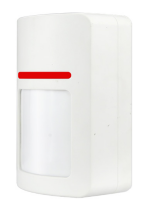
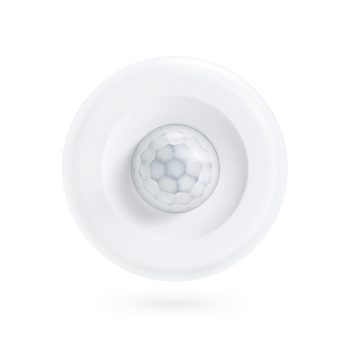
Motion sensor

R651.00
(0 Reviews)

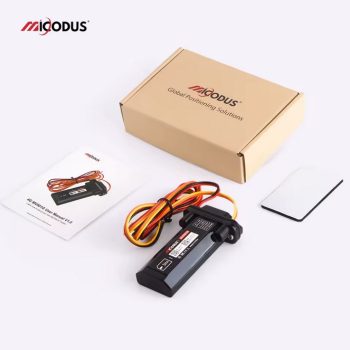
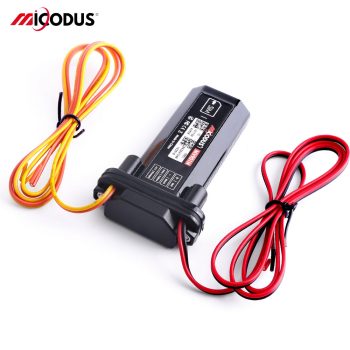
MV901N Waterproof Car Gps Tracker With Remote FuelCutoff

R850.00
(0 Reviews)
Model MV901N Size 33 (L) x 15 (W) x 90 (H) mm Weight 63.2g Working Voltage 9-80V DC Battery Capacity -20℃~55℃ Working Humidity 10%~85%RH non-condensing Working Network 2g gsm/gprs: 850/900/1800/1900Mhz SIM Card Normal SIM Cellular Antenna Built-in Cold Start ≤32 Seconds Hot Start ≤1 Second Position Type GPS+BEIDOU+LBS GPS Antenna Built-in Tracking sensitivity -162dBm GPS Channels 64 Position Accuracy 5-10m

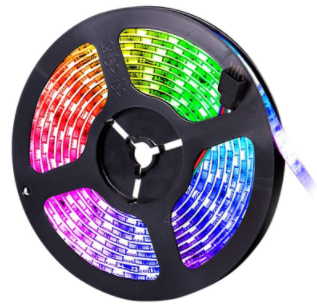
Wi-Fi Smart LED Strip 10m : SL3

Original price was: R1,100.00.Current price is: R950.00.
(0 Reviews)

Wi-Fi Smart LED Strip 5m : SL2

Original price was: R700.00.Current price is: R650.00.
(0 Reviews)

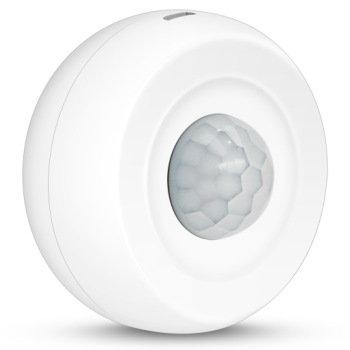
Tuya 360 Degree Ceiling Infrared Motion Detector

R290.00
(0 Reviews)
Specification PST-HW400B Specifications Name Tuya Smart WiFi Ceiling PIR Sensor Model PST-HW400B APP Name Tuya Smart or Smart Life Color White Material ABS Power DC3V LR03*2 Battery USB input DC5V/2A (USB cannot be used with dry battery, only rechargeable battery) WiFi Standards IEEE 802.11 b/n/g 2.4G Hz PIR sensitivity angle 360 degree PIR sensitivity distance 6m Low-battery Detection Support Tuya Smart product Linkage control Support Operation Temp. –10°C to +50°C Humidity 5%--95% non-condensing Installation Ceiling-mounted or Wall Dimension 11.5*6*4.2cm Weight 80g Carton Packing 200PCS per carton: 15.5kg, 34*33*46cm PST-HW400B Package List WiFi PIR Sensor x1 LR03 battery x2 Double-sided tape x1 Installation screws x2 User Manual x1 PST-HW400B Product FAQ Q1: What is this product? A: This is a WiFi Ceiling PIR (Passive Infrared) Motion Detector. It can detect motion and is designed for home or office use. Q2: Which WiFi frequencies does it support? A: It supports 2.4G Hz b/g/n WiFi frequencies. Q3: How do I connect the sensor to my Wi - Fi network? A: Download the Tuya Smart app from the app store. Open the app, create an account if you don't have one. Then, follow the in app instructions to add a new device. Select the Wi - Fi vibration sensor and enter your Wi - Fi password when prompted. Q4: What if my Wi - Fi signal is weak near the sensor's location? A: You may consider using a Wi - Fi extender or a mesh Wi - Fi system to boost the signal. Ensure that the sensor is within a reasonable range of your router for optimal connectivity. Q5: Where should I install this motion detector? A: It is designed to be installed on the ceiling for optimal motion detection coverage. Q6: How does the PIR motion detection work? A: PIR technology detects changes in infrared radiation emitted by moving objects. When an object with a different temperature than the background moves in its detection range, it triggers the detector. Q7: How is the sensor powered? A: The sensor is powered by 2PCS DC1.5V LR03 ultra alkaline AAA batteries and also can be DC5V USB. Q9: How long does the battery last? A: Battery life depends on usage frequency and sensitivity settings. Under normal usage and default settings, the battery can last approximately 6 months if trigger 10 times a day. Q10: What should I do if the sensor doesn't connect to my Wi-Fi network? 1. Check the Basics Power: Ensure the sensor is properly powered. Wi - Fi Signal: Make sure the sensor is within range of your Wi - Fi router. 2. Reset the Sensor 3. Re - add the Device in the App 4. Check Router Settings 5. Update Router and App Firmware Q11: How quickly does it respond to motion? A: It has a fast - response time and can detect motion and send signals within milliseconds. Q12: Does the sensor work with voice assistants? A: It supports Amazon Alexa and Google Assistant. Q13. Does it work in the dark? A: Yes, since it uses infrared technology, it can detect motion regardless of lighting conditions. Q14. Which app should I use to control this device? A: You can use the Tuya - supported app. You can download it from the App Store (for iOS) or Google Play (for Android). Q15. Can I control the device remotely? A: Yes, as long as the device is connected to WiFi and your phone has an internet connection, you can control it remotely through the app. Q16. What functions can I perform through the app? A: You can adjust detection sensitivity, view motion detection history, set up alerts, and manage device settings. Q17. The sensor is constantly sending false alerts. How can I fix this? Lower the sensitivity level in the app. Also, check if there are any sources of constant vibrations near the sensor (e.g., appliances) and relocate it if needed. Q18. The app can't find the sensor. What's wrong? Ensure the sensor is powered on and in pairing mode. Also, check your phone's Bluetooth and Wi - Fi settings, and make sure they are turned on. Q19. Can someone else access my sensor's data? As long as you keep your app account credentials secure, and your Wi - Fi network is protected, it's very unlikely that others can access your sensor's data. Q20. What if the device stops detecting motion? A: Check the detection settings in the app, make sure there are no obstructions in the detection area, and verify that the device is powered on and connected to WiFi.

Back to Top
Product has been added to your cart

Select at least 2 products
to compare